How to keep your kids safe on Minecraft with Mind Buzz
By Marnie Adams, Contributor @ Kids In Perth 12 Sep 2025
Image/Video Credit: Mind Buzz, Meta | YouTube
Minecraft has become one of the most popular games in the world, and with good reason—it’s creative, collaborative, and endlessly fun. But as parents, we know that putting our kids online comes with its fair share of hazards. From unmonitored chat rooms to exposure to strangers, it’s understandable to be cautious about letting kids dive into the world of online play.
So, how can you get your child safely onto Minecraft? The key is choosing the right server. Public servers can be unpredictable, often exposing kids to inappropriate content or unsupervised interactions. Instead, look for spaces built specifically for children, where safety and community values come first.
That’s where Mind Buzz comes in. Founded on strong values of inclusivity, creativity, and education, Mind Buzz offers a dedicated Minecraft server designed just for kids (learn more here). It’s not only a fun and safe environment but also a space where children can make friends, collaborate on projects, and be part of a welcoming community anytime.
Gallery
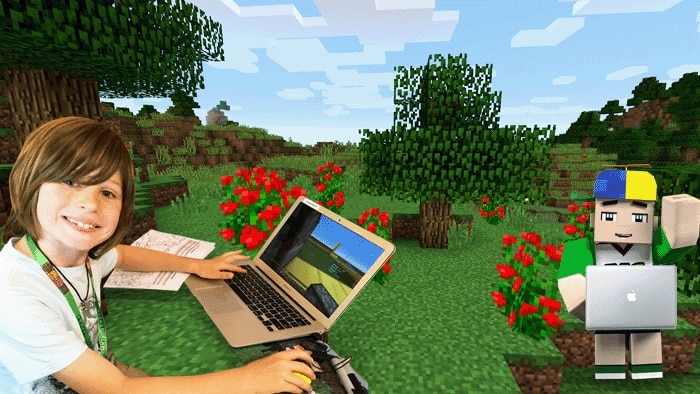
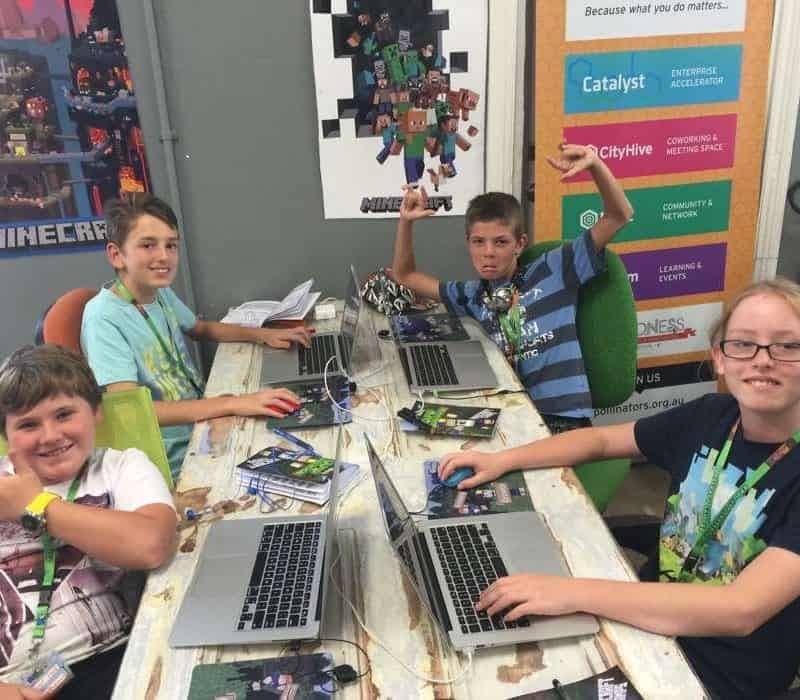
Image/Video Credit: Mind Buzz, Today Tonight, Meta | YouTube
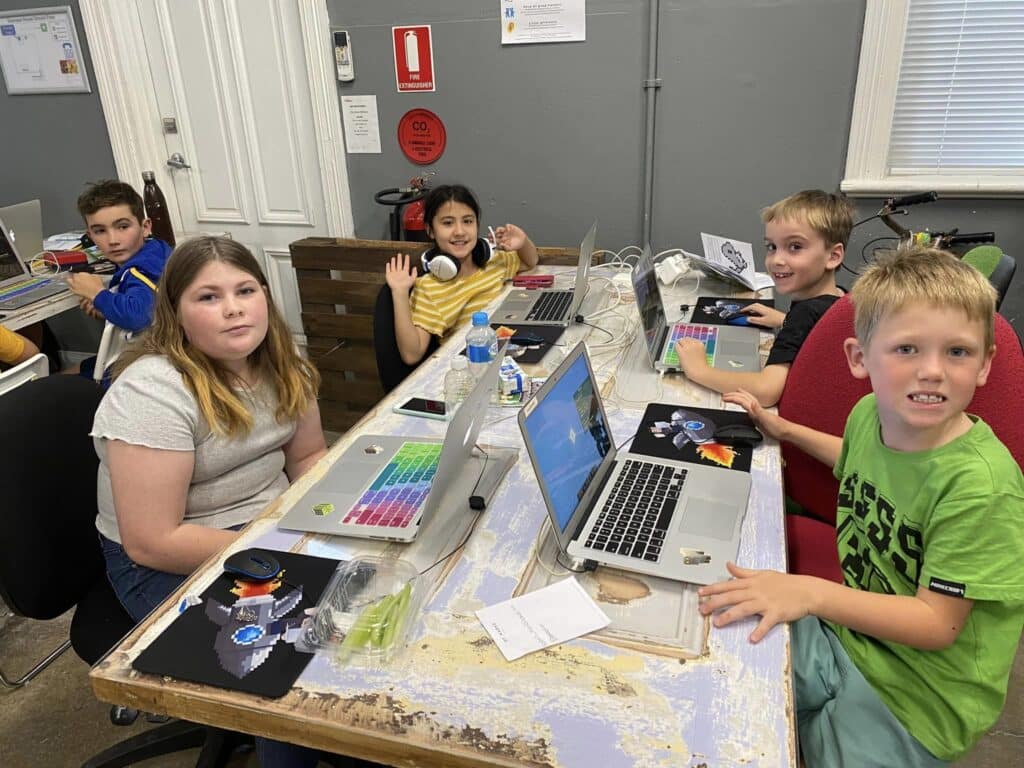
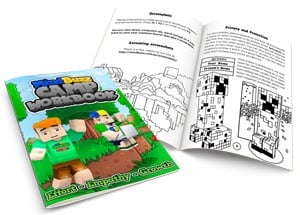
And Minecraft is more than just a game—it’s a fantastic introduction to the principles of coding. Through Mind Buzz’s camps and online programs (learn.mindbuzz.com.au), children can explore the basics of coding and digital design while still having a blast building and playing.
As a mum, I love knowing there’s an option that balances fun and safety while also teaching skills that will carry my daughter into the future. With Mind Buzz, kids don’t just play Minecraft—they learn, grow, and connect in a positive way.
For more information, visit mindbuzz.com.au or click the shortcut buttons below.

Image/Video Credit: Mind Buzz, Today Tonight, Meta | YouTube
HOW TO PLAY MINECRAFT™
1. Choose the Right Edition
For younger children, start with Minecraft: Bedrock Edition (works on tablets, consoles, and Windows 10/11).
For older kids who might want to explore coding or join custom servers, Minecraft: Java Edition on PC is a good choice.
2. Set Up a Microsoft Account
Create a child account through Microsoft Family Safety.
This lets you manage screen time, spending limits, and privacy settings.
3. Install Minecraft
Download from the official Minecraft website or your device’s app store.
Avoid third-party downloads—they can be unsafe.
4. Adjust Privacy & Security Settings
In your child’s account, turn off unrestricted chat and limit friend requests.
Set multiplayer permissions to "friends only" or use a trusted server.
5. Pick a Safe Server
Public servers can expose kids to strangers and inappropriate content.
Instead, join a child-friendly server like Mind Buzz (mindbuzz.com.au/server
), where safety and community values are prioritised.
6. Set Boundaries & Rules
Decide in advance how long they can play and whether they’re allowed multiplayer or solo play.
Encourage them to come to you if they see or hear something upsetting.
7. Encourage Learning Through Play
Use Minecraft as more than a game—explore coding, logic, and design through programs like Mind Buzz’s camps and courses.
8. Stay Involved
Sit with them while they play, especially at first.
Ask them to show you their builds and explain what they’re working on—it’s a great bonding opportunity!
For more information, visit mindbuzz.com.au or click the shortcut buttons below.
follow Mind Buzz
Subscribe Subscribe to our Newsletter and stay up to date!
Follow Us
Featured Articles






Image/Video Credit: Mind Buzz, Meta | YouTube
Online Planner | Learn More
About
Minecraft is a popular sandbox video game that allows players to build, explore, and create their own virtual worlds using various materials and resources. It can be played alone or with others, offering endless possibilities for creativity and adventure.
Upcoming Events
Minecraft + Engineering Camp (2 Days)
This is a 2 day camp run in collaboration between Mind Buzz and Young Engineers.
One day the children are working in Minecraft with the next day working in the Engineering realm.
Laptops (supplied) will be used to unlock the magic of JAVA Minecraft and bring LEGO to life.
Working across multiple servers, children will be learning things like crafting, teleporting and how to navigate between worlds using commands with the end goal of building a working themepark,
Date, Location & Times
- Tues 30 Sept to Wed 1 Oct
- Thurs 2 to Fri 3 Oct
@ Perth CBD | 140 St Georges Terrace from 9am to 3:30pm
Cost: $115 per child
Minecraft Camp
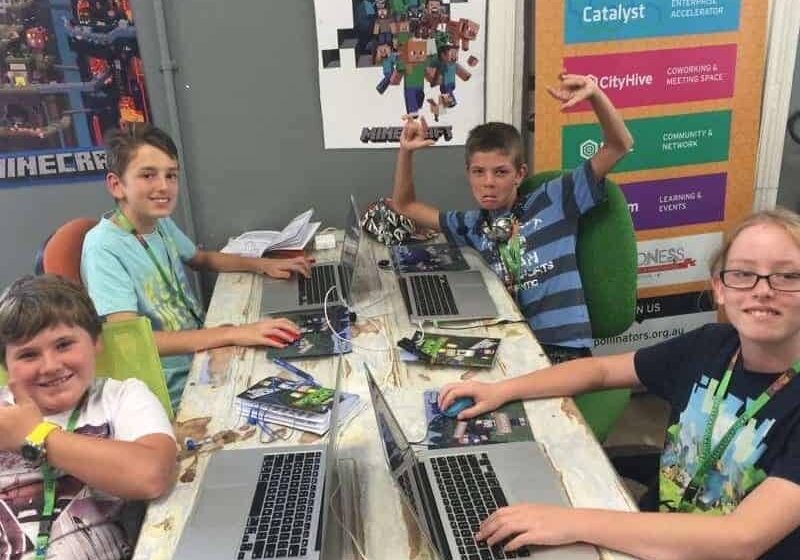
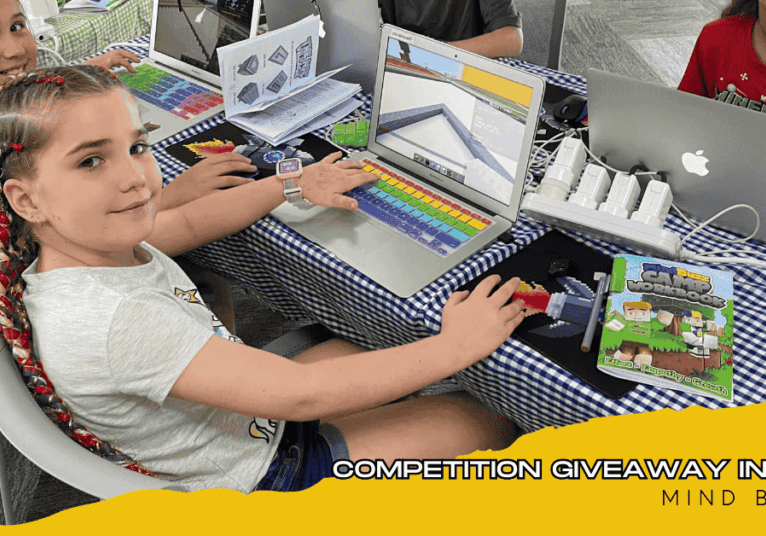
Fun and educational Minecraft camp using laptops (supplied) to unlock the true magic of JAVA Minecraft.
It’s a great school holiday activity and the kids can continue their learning and connections long after the workshop finishes.
Working across multiple servers learning things like crafting, teleporting and how to navigate between worlds using commands. Minecraft commands are great for learning the building blocks of coding. Starting off in a tutorial section before graduating through levels of difficulty into the other servers/worlds.
The day is designed to maximise collaboration between players and we place a heavy emphasis on caring for other players, helping out and being a leader.
All participants will receive FREE access to the MindBuzz camp world and online camper courses after the camp! Participants will also have the chance to earn leadership ranks on the day such as COACH and MODERATOR.
Dates, Times & Locations:
3 Oct @ Ellenbrook
6 Oct @ Leederville & Virtual
7 oct @ Joondalup & Port Kennedy
8 Oct @ Kalamunda & Bunbury
9 Oct @ Mt Hawthorn & Virtual
10 October @ Ellenbrook & Bibra Lake
From 9:30am to 3:30pm
Cost: $29 (Virtual), $79 (Minecraft Camp), $89 per child (Mega Camp)

Image/Video Credit: Mind Buzz, Meta | YouTube
Social Feed | Latest News
Follow Mind Buzz on Social Media
Image/Video Credit: Mind Buzz, Meta | YouTube
Learn More | Minecraft Fun Facts
Minecraft is a popular sandbox video game that allows players to build, explore, and create their own virtual worlds using various materials and resources. It can be played alone or with others, offering endless possibilities for creativity and adventure.
Top 10 Fun Facts
Fun Fact #1: Minecraft was created by Markus "Notch" Persson and first released in 2011.
Fun Fact #2: It is the best-selling video game of all time, with over 200 million copies sold.
Fun Fact #3: Minecraft has no set goals, allowing players to explore and create their own experiences.
Fun Fact #4: The game is played in a blocky, pixelated style, with each block representing a different material or object.
Fun Fact #5: Minecraft has several game modes, including survival, creative, and adventure modes.
Fun Fact #6: The game has its own unique language, made up of nonsensical words and phrases like "creeper" and "Ender Dragon."
Fun Fact #7: Minecraft has been used in classrooms as a teaching tool, allowing students to learn about physics, math, and even history.
Fun Fact #8: The game has inspired numerous spin-offs and adaptations, including Minecraft Earth, Minecraft Dungeons, and Minecraft: The Movie.
Fun Fact #9: Minecraft has a dedicated modding community, with players creating their own modifications and additions to the game.
Fun Fact #10: Minecraft has hosted several large-scale events, including MineCon, which features panels, tournaments, and other activities for players and fans.
follow Mind Buzz

Photo/Video Credit: Mind Buzz
Contact | Make Enquiry
Get in touch directly with Mind Buzz or sign up for their newsletter by submitting a form below.
Your Message/Comment

Photo/Video Credit: Mind Buzz
More from... | Mind Buzz

Perth Metro & Regional WA
mindbuzz.com.au
follow Mind Buzz
Photo/Video Credit: Mind Buzz
Contact | Make Enquiry
Get in touch directly with Mind Buzz or sign up for their newsletter by submitting a form below.
Your Message/Comment
Photo/Video Credit: Mind Buzz
More from... | Mind Buzz
Perth Metro & Regional WA
mindbuzz.com.au
follow Mind Buzz
More On... | School Holiday Ideas